Table of Contents

TMS FNC Blox Navigator

TTMSFNCBloxNavigator is a miniature overview panel that mirrors the full diagram canvas. It shows a scaled-down thumbnail of all elements, highlights the currently visible viewport region, and lets users pan and zoom the main control by dragging inside the navigator panel. Drop it alongside a TTMSFNCBloxControl to give users an instant bird's-eye orientation of large diagrams.
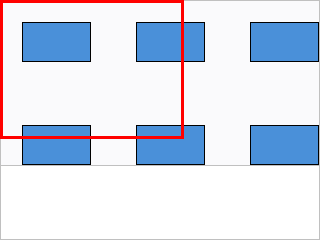
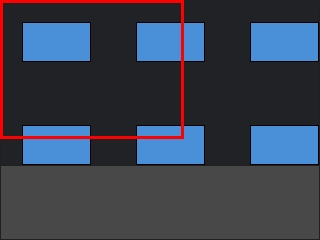
A Blox Navigator thumbnail with a highlight rectangle over a diagram A Blox Navigator thumbnail with a highlight rectangle over a diagram

Documentation

Start here Use when
Get started You want to connect a Navigator to an existing Blox Control in a few steps.
Guides You want task-oriented chapters: linking, appearance, and highlight region.
API reference You want class, property, method, and event details.

Key classes

Class Description
TTMSFNCBloxNavigator Miniature canvas overview and navigation panel.