Table of Contents

TMS FNC Blox Navigator

TTMSFNCBloxNavigator is a miniature overview panel that mirrors the full diagram canvas. It shows a scaled-down thumbnail of all elements, highlights the currently visible viewport region, and lets users pan and zoom the main control by dragging inside the navigator panel. Drop it alongside a TTMSFNCBloxControl to give users an instant bird's-eye orientation of large diagrams.
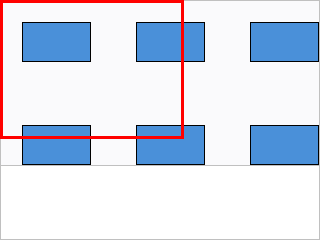
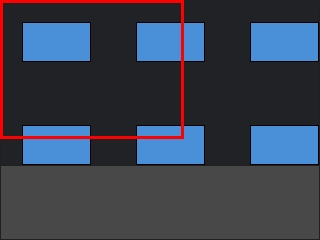
A Blox Navigator thumbnail with a highlight rectangle over a diagram A Blox Navigator thumbnail with a highlight rectangle over a diagram

Documentation

Start here Use when
Get started You want to connect a Navigator to an existing Blox Control in a few steps.
Guides You want task-oriented chapters: linking, appearance, and highlight region.
API reference You want class, property, method, and event details.
Release notes You want what changed in recent versions.

Key classes

Class Description
TTMSFNCBloxNavigator Miniature canvas overview and navigation panel.