Getting Started with TMS FNC Tile List
TTMSFNCTileList displays items as a configurable tile grid with pagination, scrolling, orientation, and optional drag-to-reorder.
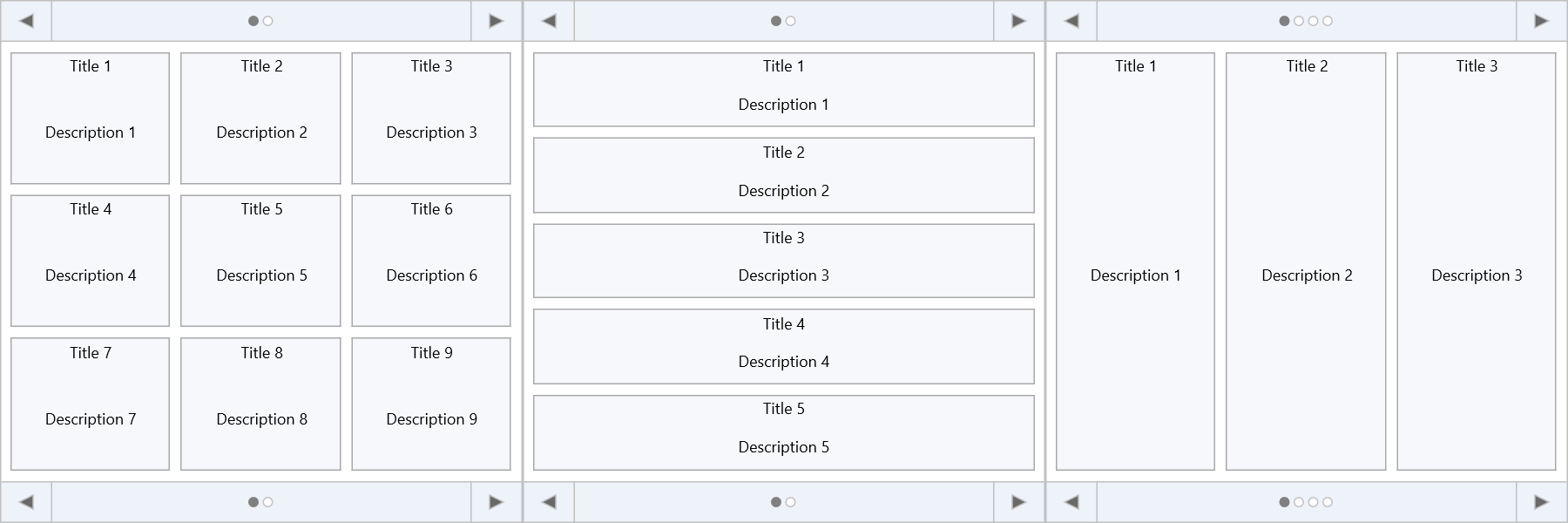
Prerequisites
- Delphi with TMS FNC UI Pack installed.
- A VCL, FMX, or WEB application.
Steps
1. Drop the component
Drop a TTMSFNCTileList onto a form.
2. Set the grid size
TMSFNCTileList1.Rows    := 2;
TMSFNCTileList1.Columns := 4;
3. Add tiles
TMSFNCTileList1.BeginUpdate;
with TMSFNCTileList1.Items.Add do
begin
  Title       := 'My Tile';
  Description := 'Subtitle text';
end;
TMSFNCTileList1.EndUpdate;
4. Handle selection
procedure TForm1.TMSFNCTileList1ItemSelected(Sender: TObject;
  AItemIndex: Integer);
begin
  ShowMessage(TMSFNCTileList1.Items[AItemIndex].Title + ' selected');
end;