Text Editing and Sources
TTMSFNCMemo exposes the full set of text-manipulation operations you would expect from a code editor, plus a multi-source model for switching between open files without losing per-file state.
Loading and saving text
Set Text or Lines directly, or load from file or URL:
TMSFNCMemo1.LoadFromFile('C:\Projects\unit1.pas');
TMSFNCMemo1.LoadFromURL('https://example.com/main.js');
// Save: write Text to a TStringList or file yourself
TFile.WriteAllText('out.pas', TMSFNCMemo1.Text);
TMSFNCMemo1->LoadFromFile("C:\\Projects\\unit1.pas");
TMSFNCMemo1->LoadFromURL("https://example.com/main.js");
// Save: write Text to a TStringList or file yourself
System::Ioutils::TFile::WriteAllText("out.pas", TMSFNCMemo1->Text);
LoadFromFile automatically selects the language by matching the file extension against LanguageFileExtensionsMap.
Clipboard, selection, undo/redo
// --- Text content ---
TMSFNCMemo1.Text := 'begin' + sLineBreak + '  WriteLn(''Hello'');' + sLineBreak + 'end.';
TMSFNCMemo1.Lines.Add('// added line');

// Load and save
TMSFNCMemo1.LoadFromFile('C:\Projects\code.pas');
// (save is handled by writing TMSFNCMemo1.Text to a file)

// --- Clipboard ---
TMSFNCMemo1.CopyToClipBoard;
TMSFNCMemo1.PasteFromClipBoard;
TMSFNCMemo1.CutToClipBoard;
TMSFNCMemo1.SelectAll;
TMSFNCMemo1.Unselect;
TMSFNCMemo1.Undo;
TMSFNCMemo1.Redo;
TMSFNCMemo1.FormatDocument;

// --- Selection ---
TMSFNCMemo1.SelStart  := 0;
TMSFNCMemo1.SelLength := 10;
ShowMessage(TMSFNCMemo1.SelText);
TMSFNCMemo1.DeleteSelection;

// --- Multi-source editing ---
// Add sources programmatically
TMSFNCMemo1.Sources.AddSource('program Project1;', mlPascal, 'project1.dpr');
TMSFNCMemo1.Sources.AddSource('{"key": "value"}', mlJson, 'config.json');
TMSFNCMemo1.Sources.AddSourceFromFile('C:\Projects\unit1.pas');

// Switch between sources (0-based index)
TMSFNCMemo1.ActiveSource := 1;

// Add all files in a folder
TMSFNCMemo1.AddSourcesFromFolder('C:\Projects\src\');

// --- File extension → language mapping ---
// Add a custom extension for an existing language
with TMSFNCMemo1.LanguageFileExtensionsMap.Add do
begin
  Language  := mlCpp;
  Extension := '.cu';   // CUDA source files
end;

// --- Drag and drop (FMX) ---
procedure TForm1.TMSFNCMemo1DragDrop(Sender: TObject; const Data: TDragObject;
  const Point: TPointF);
var
  obj: TTMSFNCMemoDragObject;
begin
  obj := Data.Source as TTMSFNCMemoDragObject;
  if obj.Kind = otText then
    TMSFNCMemo1.Lines.Add(obj.Text)
  else if obj.Files.Count > 0 then
    obj.Files[0].Open;
end;
// Load and save
void __fastcall TForm1::LoadAndClipboard()
{
  TMSFNCMemo1->LoadFromFile("C:\\Projects\\code.pas");
  // (save is handled by writing TMSFNCMemo1->Text to a file)

  // --- Clipboard ---
  TMSFNCMemo1->CopyToClipBoard();
  TMSFNCMemo1->PasteFromClipBoard();
  TMSFNCMemo1->CutToClipBoard();
  TMSFNCMemo1->SelectAll();
  TMSFNCMemo1->Unselect();
  TMSFNCMemo1->Undo();
  TMSFNCMemo1->Redo();
  TMSFNCMemo1->FormatDocument();

  // --- Selection ---
  TMSFNCMemo1->SelStart = 0;
  TMSFNCMemo1->SelLength = 10;
  ShowMessage(TMSFNCMemo1->SelText);
  TMSFNCMemo1->DeleteSelection();
}

void __fastcall TForm1::MultiSource()
{
  // --- Multi-source editing ---
  // Add sources programmatically
  TMSFNCMemo1->Sources->AddSource("program Project1;", mlPascal, "project1.dpr");
  TMSFNCMemo1->Sources->AddSource("{\"key\": \"value\"}", mlJSON, "config.json");
  TMSFNCMemo1->Sources->AddSourceFromFile("C:\\Projects\\unit1.pas");

  // Switch between sources (0-based index)
  TMSFNCMemo1->ActiveSource = 1;

  // Add all files in a folder
  TMSFNCMemo1->AddSourcesFromFolder("C:\\Projects\\src\\");

  // --- File extension -> language mapping ---
  // Add a custom extension for an existing language
  TTMSFNCMemoLanguageFileExtensionMapItem *item = TMSFNCMemo1->LanguageFileExtensionsMap->Add();
  item->Language = mlCpp;
  item->Extension = ".cu";   // CUDA source files
}

// --- Drag and drop (FMX) ---
void __fastcall TForm1::TMSFNCMemo1DragDrop(TObject *Sender, const TDragObject &Data,
  const TPointF &Point)
{
  TTMSFNCMemoDragObject *obj = dynamic_cast<TTMSFNCMemoDragObject*>(Data.Source);
  if (obj->Kind == otText)
    TMSFNCMemo1->Lines->Add(obj->Text);
  else if (obj->Files->Count > 0)
    obj->Files->Items[0]->Open();
}
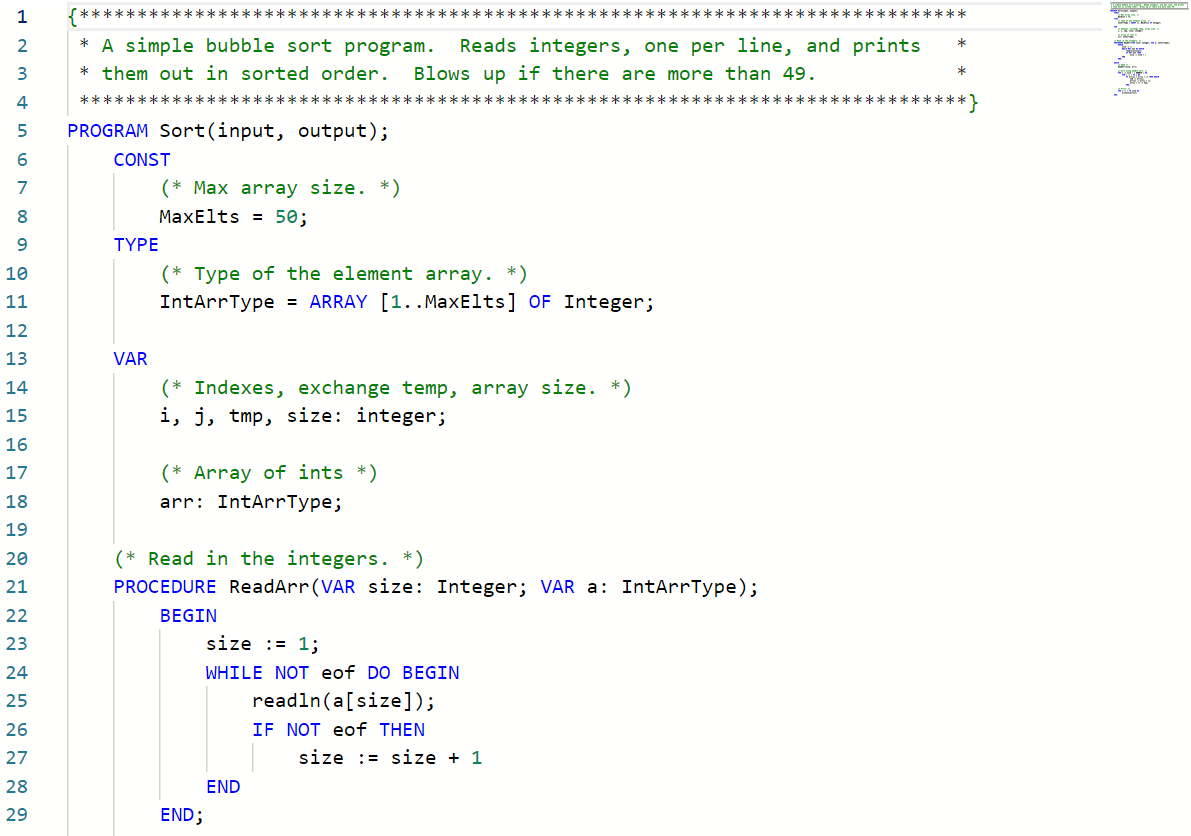
Sources — editing multiple files
Sources is an ordered collection of TTMSFNCMemoSource items. Each source retains its own Language, Text, CaretPosition, breakpoints, bookmarks, and line highlights when you switch away from it.
// Add sources
TMSFNCMemo1.Sources.AddSource('',   mlPascal, 'Unit1.pas');
TMSFNCMemo1.Sources.AddSource('{}', mlJson,   'config.json');
TMSFNCMemo1.Sources.AddSourceFromFile('C:\Projects\module.ts');
TMSFNCMemo1.AddSourcesFromFolder('C:\Projects\src\');

// Switch the active source (0-based index)
TMSFNCMemo1.ActiveSource := 1;
// Add sources
TMSFNCMemo1->Sources->AddSource("", mlPascal, "Unit1.pas");
TMSFNCMemo1->Sources->AddSource("{}", mlJSON, "config.json");
TMSFNCMemo1->Sources->AddSourceFromFile("C:\\Projects\\module.ts");
TMSFNCMemo1->AddSourcesFromFolder("C:\\Projects\\src\\");

// Switch the active source (0-based index)
TMSFNCMemo1->ActiveSource = 1;
TTMSFNCMemoSource also exposes its own SaveToFile for writing individual files back:
TMSFNCMemo1.Sources[0].SaveToFile('C:\Projects\unit1.pas');
TMSFNCMemo1->Sources->Items[0]->SaveToFile("C:\\Projects\\unit1.pas");
File extension to language mapping
TTMSFNCMemo ships with built-in extension mappings (e.g. .pas → Pascal, .ts → TypeScript). Register additional extensions through LanguageFileExtensionsMap:
with TMSFNCMemo1.LanguageFileExtensionsMap.Add do
begin
  Language  := mlCpp;
  Extension := '.cu';   // CUDA source files
end;
// Convenience overload
TMSFNCMemo1.LanguageFileExtensionsMap.Add(mlPascal, '.dpr');
TTMSFNCMemoLanguageFileExtensionMapItem *item = TMSFNCMemo1->LanguageFileExtensionsMap->Add();
item->Language = mlCpp;
item->Extension = ".cu";   // CUDA source files
// Convenience overload
TMSFNCMemo1->LanguageFileExtensionsMap->Add(mlPascal, ".dpr");
Drag and drop
TTMSFNCMemo supports dragging text and files directly into the editor. Because the editor runs inside a TTMSFNCWebBrowser, file access has some constraints: the filename is only available in the DragDrop event; in all preceding events (DragOver, DragEnter) only the MIME type is available.
Handle OnDragDrop to decide what to do with dropped content:
procedure TForm1.TMSFNCMemo1DragDrop(Sender: TObject; const Data: TDragObject;
  const Point: TPointF);
var
  obj: TTMSFNCMemoDragObject;
begin
  obj := Data.Source as TTMSFNCMemoDragObject;
  if obj.Kind = otText then
    TMSFNCMemo1.Lines.Add(obj.Text)
  else if obj.Files.Count > 0 then
    obj.Files[0].Open;
end;
void __fastcall TForm1::TMSFNCMemo1DragDrop(TObject *Sender, const TDragObject &Data,
  const TPointF &Point)
{
  TTMSFNCMemoDragObject *obj = dynamic_cast<TTMSFNCMemoDragObject*>(Data.Source);
  if (obj->Kind == otText)
    TMSFNCMemo1->Lines->Add(obj->Text);
  else if (obj->Files->Count > 0)
    obj->Files->Items[0]->Open();
}
In VCL, set Allow := False in DragOver to prevent the drop; in FMX, set Operation := TDragOperation.None.
Note
Setting Allow / Operation to prevent a drop does not update the cursor visual in the editor, because cursor rendering is controlled by the embedded browser.
Combining sources, file extension mapping, and drag-and-drop
Register a custom extension, load multiple sources from a folder, and handle dropped files to add them as new sources:
procedure TForm1.FormCreate(Sender: TObject);
begin
  TMSFNCMemo1.LanguageFileExtensionsMap.Add(mlPascal, '.dpr');
  TMSFNCMemo1.AddSourcesFromFolder('C:\Projects\src\');
  TMSFNCMemo1.ActiveSource := 0;
end;

procedure TForm1.TMSFNCMemo1DragDrop(Sender: TObject;
  const Data: TDragObject; const Point: TPointF);
var
  obj: TTMSFNCMemoDragObject;
begin
  obj := Data.Source as TTMSFNCMemoDragObject;
  if (obj.Kind = otFile) and (obj.Files.Count > 0) then
    obj.Files[0].Open;
end;
void __fastcall TForm1::FormCreate(TObject *Sender)
{
  TMSFNCMemo1->LanguageFileExtensionsMap->Add(mlPascal, ".dpr");
  TMSFNCMemo1->AddSourcesFromFolder("C:\\Projects\\src\\");
  TMSFNCMemo1->ActiveSource = 0;
}

void __fastcall TForm1::TMSFNCMemo1DragDrop(TObject *Sender,
  const TDragObject &Data, const TPointF &Point)
{
  TTMSFNCMemoDragObject *obj = dynamic_cast<TTMSFNCMemoDragObject*>(Data.Source);
  if ((obj->Kind == otFile) && (obj->Files->Count > 0))
    obj->Files->Items[0]->Open();
}
See also
- Breakpoints, bookmarks, and search
- Options and theming
TTMSFNCMemoTTMSFNCMemoSource