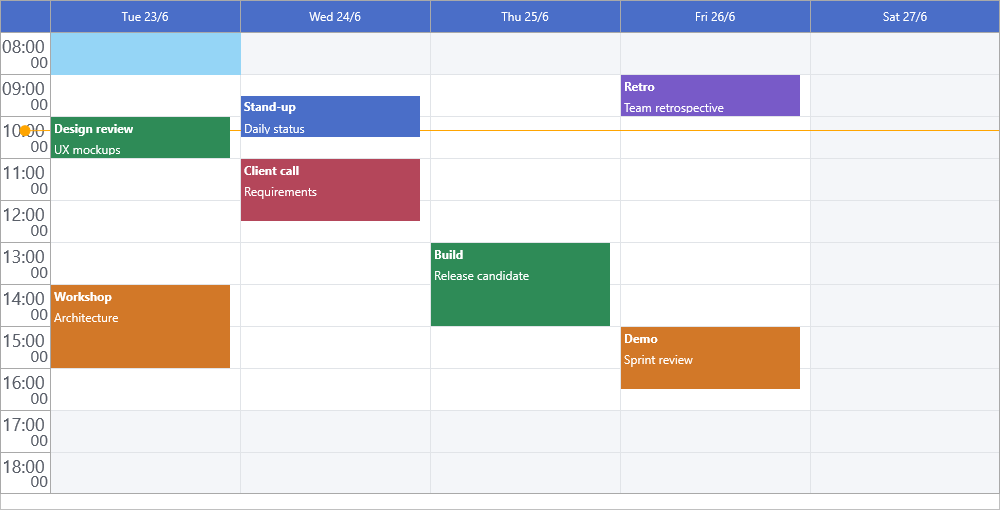
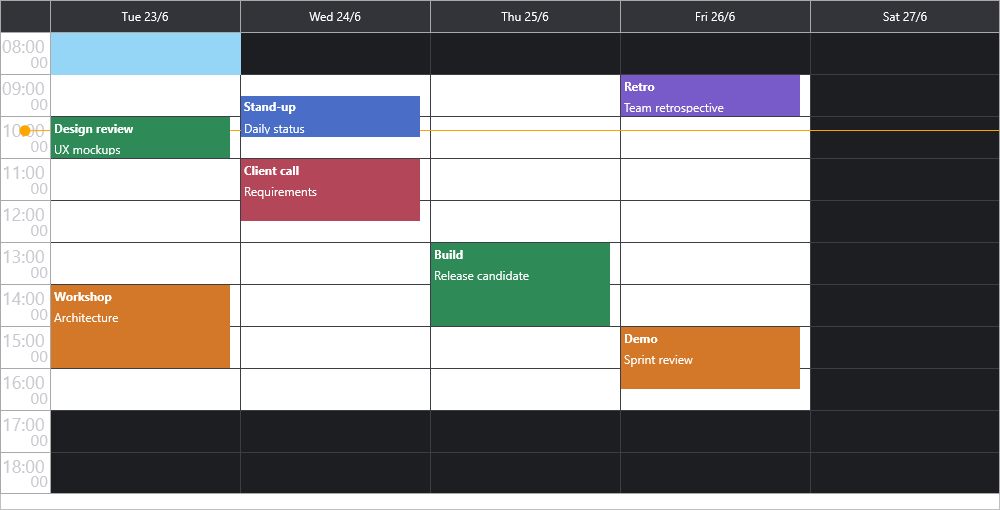
This page covers the shortest path to a running
TTMSFNCPlanner: drop the component, configure a
day view, add a couple of items, and respond to selection. For the full,
task-oriented documentation see the user guide and the
per-feature pages linked from it.
Prerequisites
Delphi (or a compatible IDE) with TMS FNC UI Pack installed.
A new or existing VCL, FMX, or WEB Core application.
The planner uses a unit-based timeline: DisplayUnit and DisplayUnitType set
the row duration, while DisplayStart/DisplayEnd are row indices counted from
midnight and ViewStart is the date anchor. See Timeline
for the full model.
Where to next
Timeline — display units, visible range, active hours, and navigation.
Items — item properties, defaults, editing, and linking.
Appearance — colors, fonts, grid, and selection styling.
Interaction — insert, edit, move/size, keyboard, and touch.